Editor Tool Compatability
Final Alert 2 and Final Sun
Linux provides several new opportunities for people using FA2(SP) and FS(SP) The map editor can be run straight out of wine / bottles without any dependencies.
FA2SP with a Dark Theme
A Word of warning: there are a LOT of windows themes out there, i tried a few on my previous install and some seemed to work but most were a little dodgy (Some panels didn't change, some didn't sit nicely, some were too sharp....).
You can change themes using winecfg through the terminal (better yet through a wineprefix)
I found this gist which on my system seems to provide a fully functioning dark theme based on Breeze, guidance for usage is included. As i run KDE Plasma this worked fairly well for me, matching the theme i used.
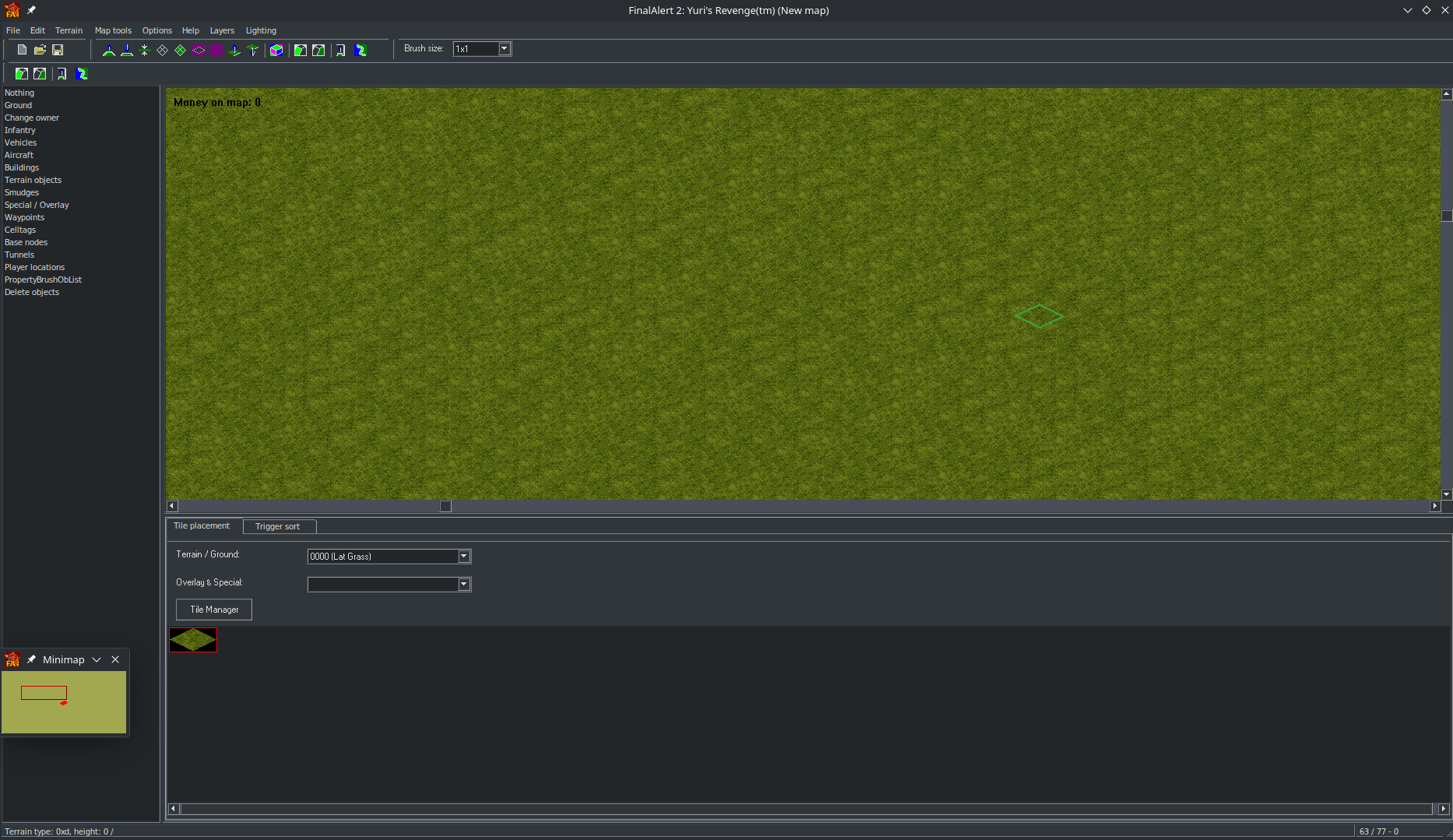 Note that the missing + icons to the left are a result of running it through my system's wine, but if you use Bottles the glitch no longer occurs.
I seem to recall this working as well, providing a more modern light theme option. Sadly this was a while back and i am unable to confirm so. The script also downloads off discord rather than a formal file source, and given discord's proposed changes to stop external download links, this may need to be mirrored.
Wine supports the theme engine of XP, so a lot of your choices are limited, although any modifications you make only apply to your wineprefix, so unlike windows you cannot brick your system with it. There are also a surprising amount of decent Xp themes lying around on places such as DevianArt, so i recommend looking for some free ones and trying them out.
Multi-Monitor Support
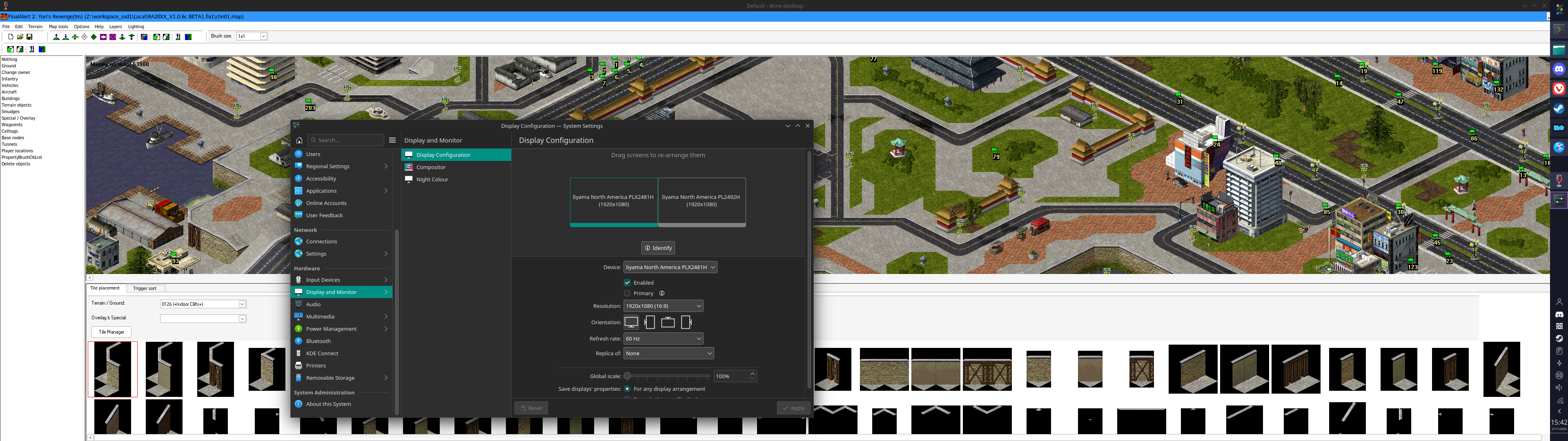
While i am unsure if this is simply an original bug in FA2, or as a result of patches, both on Windows and Linux the application simply cannot be stretched between two screens (or off the believed primary monitor).
This will take a moment and open wine configuration. head toGraphics and click emulate a virtual desktop. Make sure the size is decent, you can move the virtual desktop around like a window, but make sure it does not have a length/width too large or you may have clipping issues, such as the screenshopt above where the bottom banner is completely cut off.
You then run the map editor from this wineprefix like as I recommended in the Winetricks section. Alternatively you can use bottles to do the same.
World Altering editor
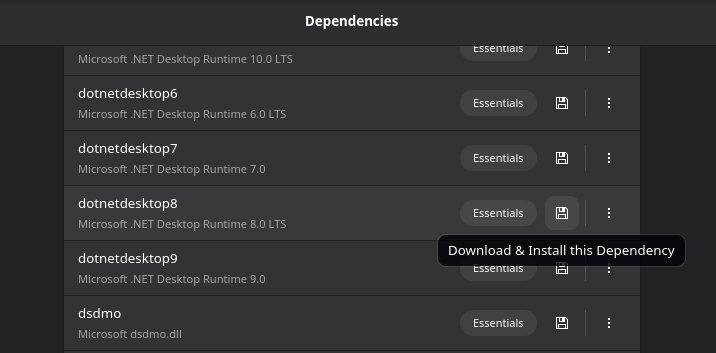
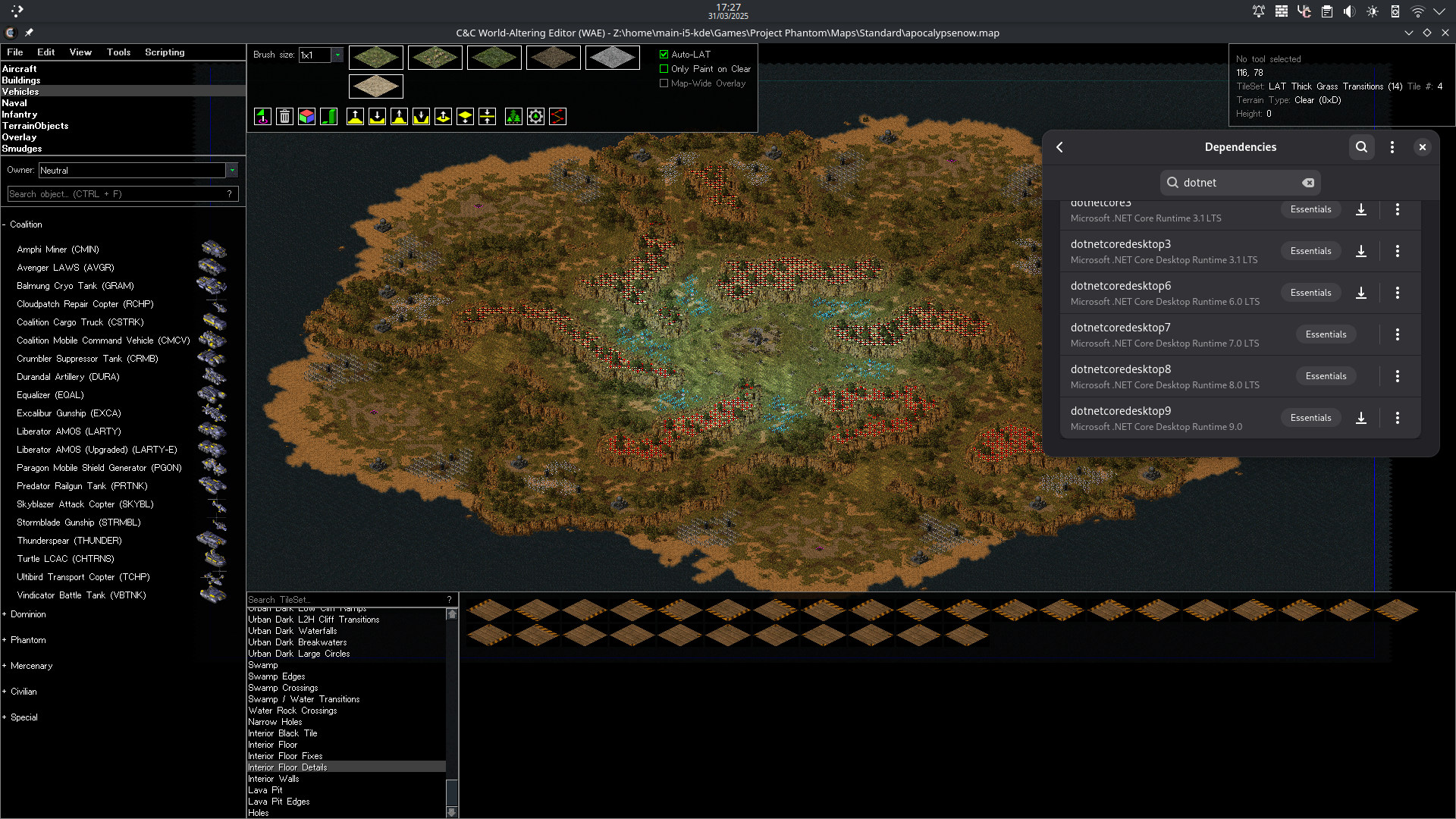
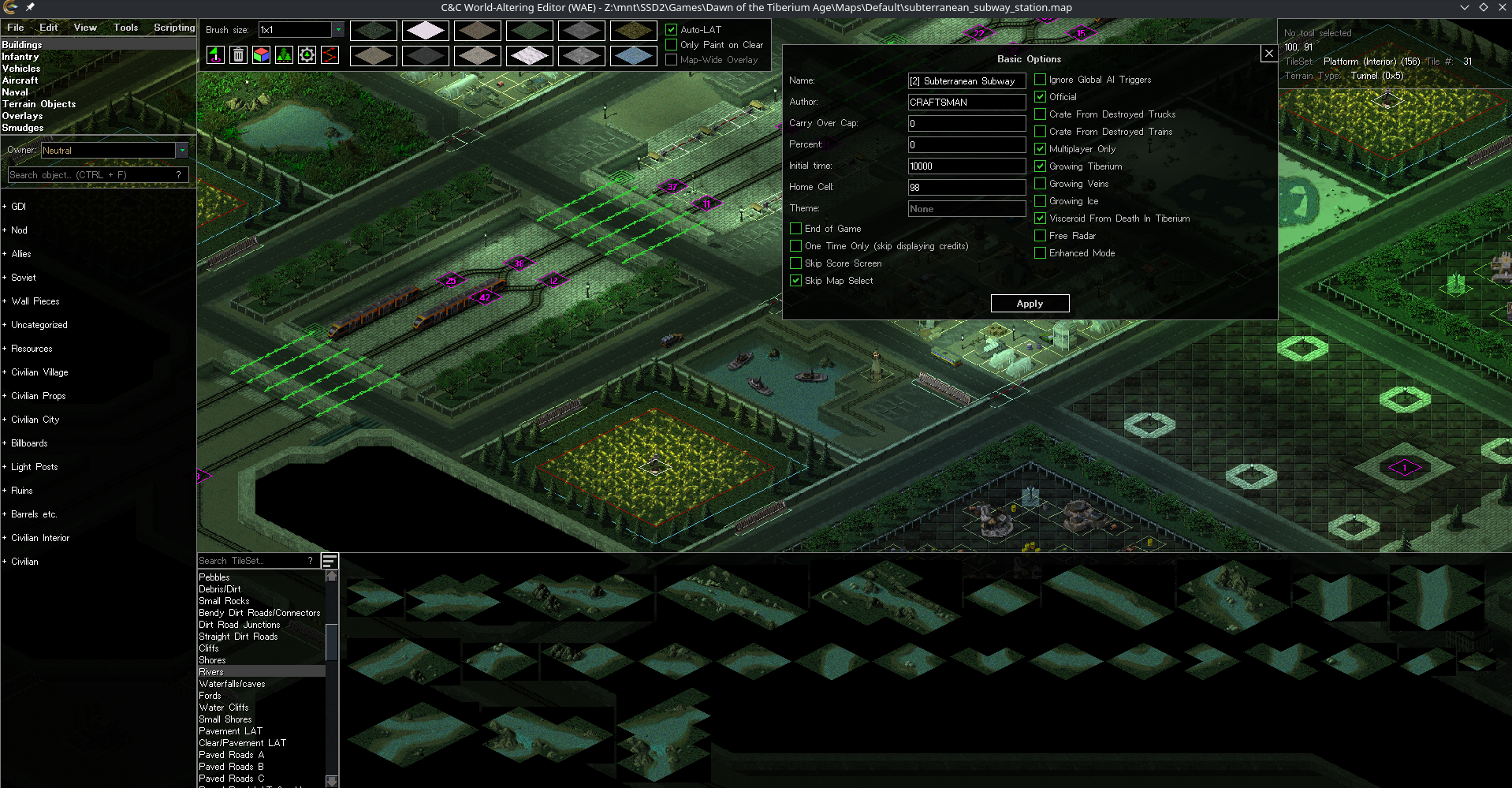
It is simple to run the World Altering Editor on Linux. Using a GUI program such as bottles, you simply click once install the dependency required for WAE, which in this case is Dotnet Desktop 8. Just make a new bottle, open dependencies, install, and run the exe.
Other Tools
For the most part, tools such as the Map Renderer, Map Tool, Open Source Voxel Section Editor, SHP Builder, ImageShaper, and others run directly out of the box of a new bottle.